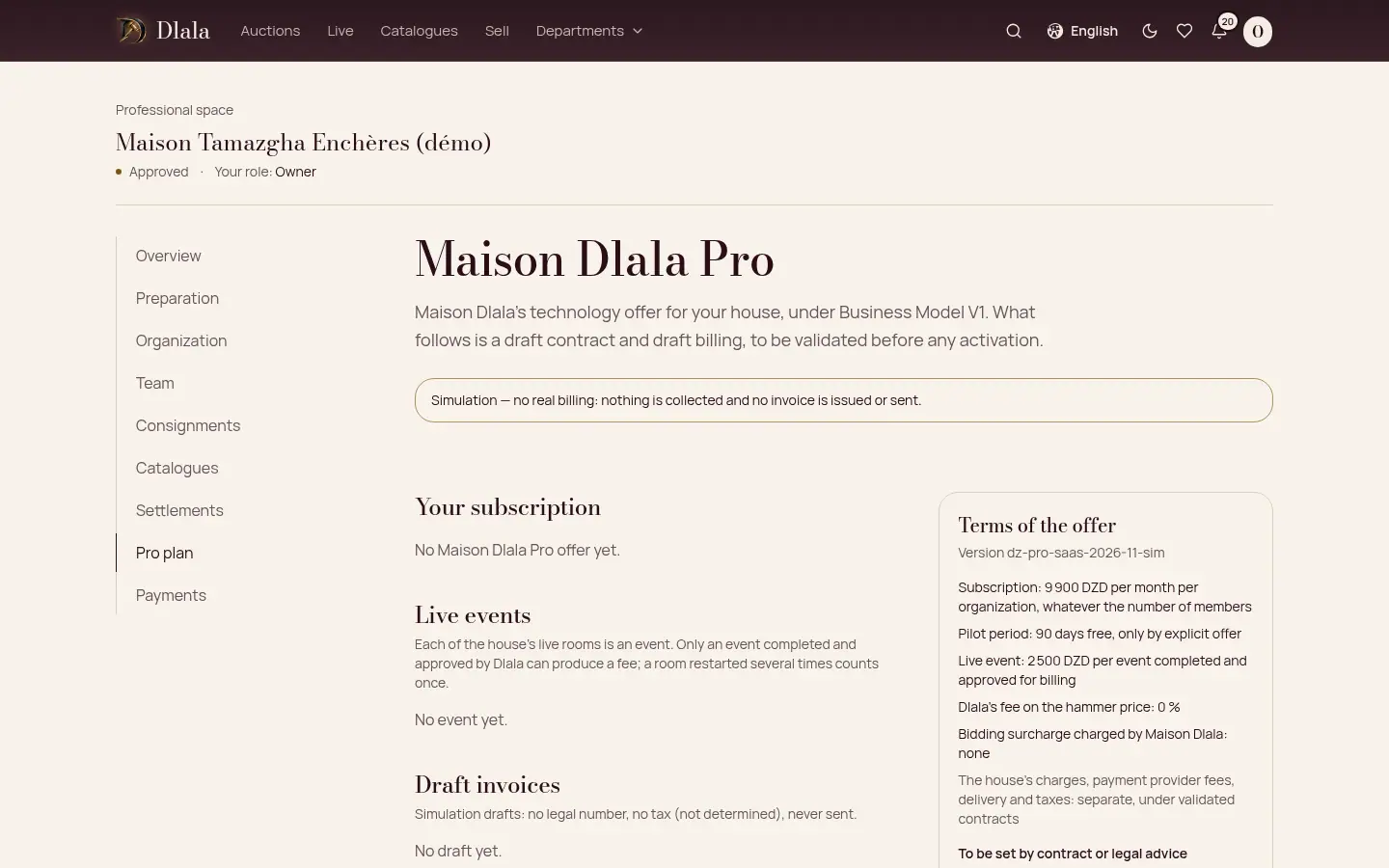
Auction houses
For auction houses
Each approved house has its professional space: team, consignments, catalogues, live sales, payments and settlements. The house runs its sales and remains responsible for its terms of sale.
You need
- An auction house, or an operator authorised to sell.
- A Dlala account for the person who applies.
Step 1: Apply
Present your house: legal name, public name, city, contact details and an introduction. You become its owner. The Dlala team reviews the application and answers you. Being approved on the platform is not a licence.
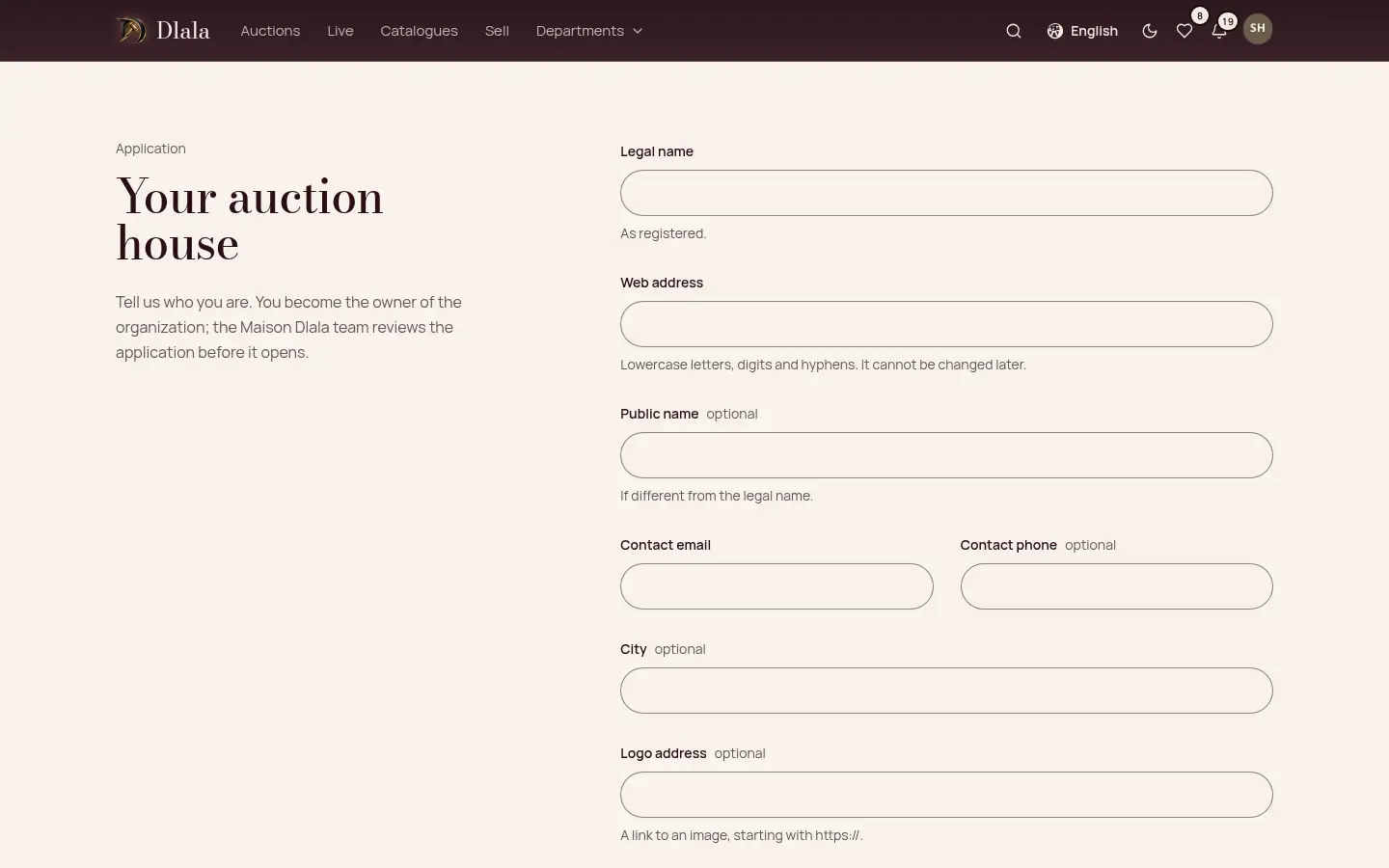
Step 2: Your professional space
Once approved, the house has its dashboard: what is left to do before the first sale, the consignments received, the catalogues in progress.
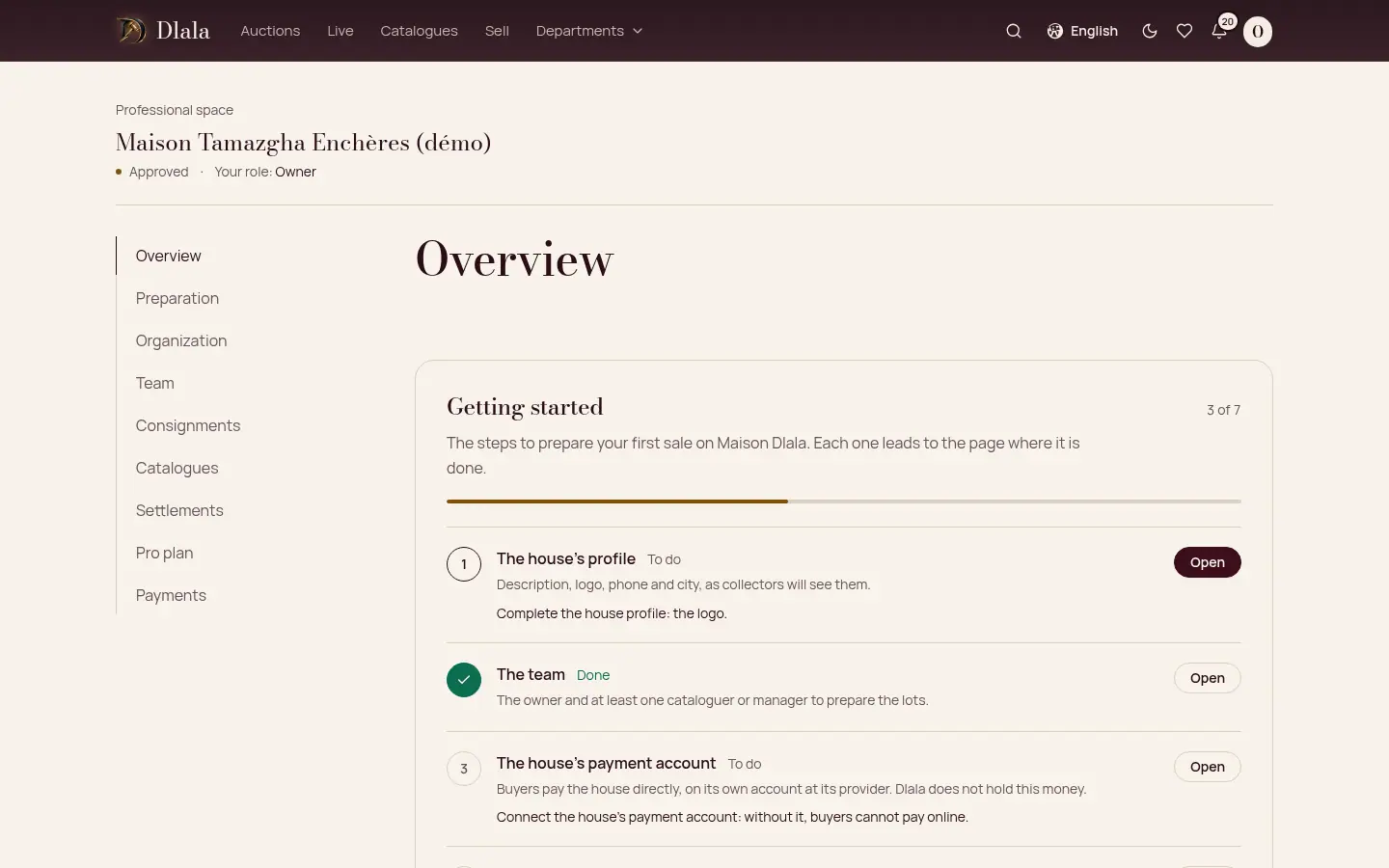
Step 3: Invite your team
Each person gets a role: manager, auctioneer, cataloguer, support or viewer. An invitation is valid for 7 days.
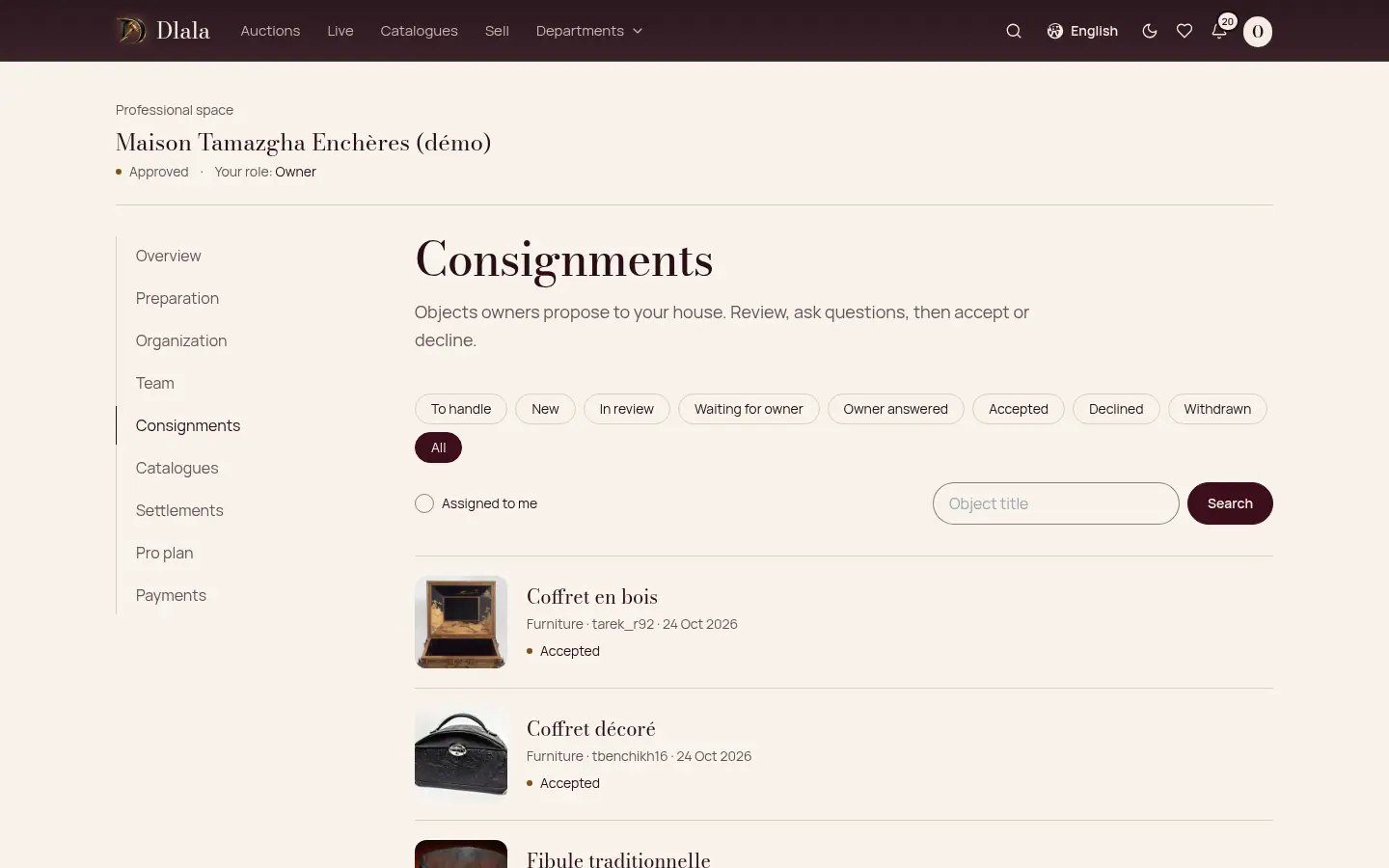
Step 4: Receive consignments
Offered objects arrive in the consignments inbox. Ask your questions, estimate, accept or decline, then propose the agreement to the consignor.
Good to know: The house's owner approves the terms before the consignor accepts them.
Step 5: Prepare a catalogue
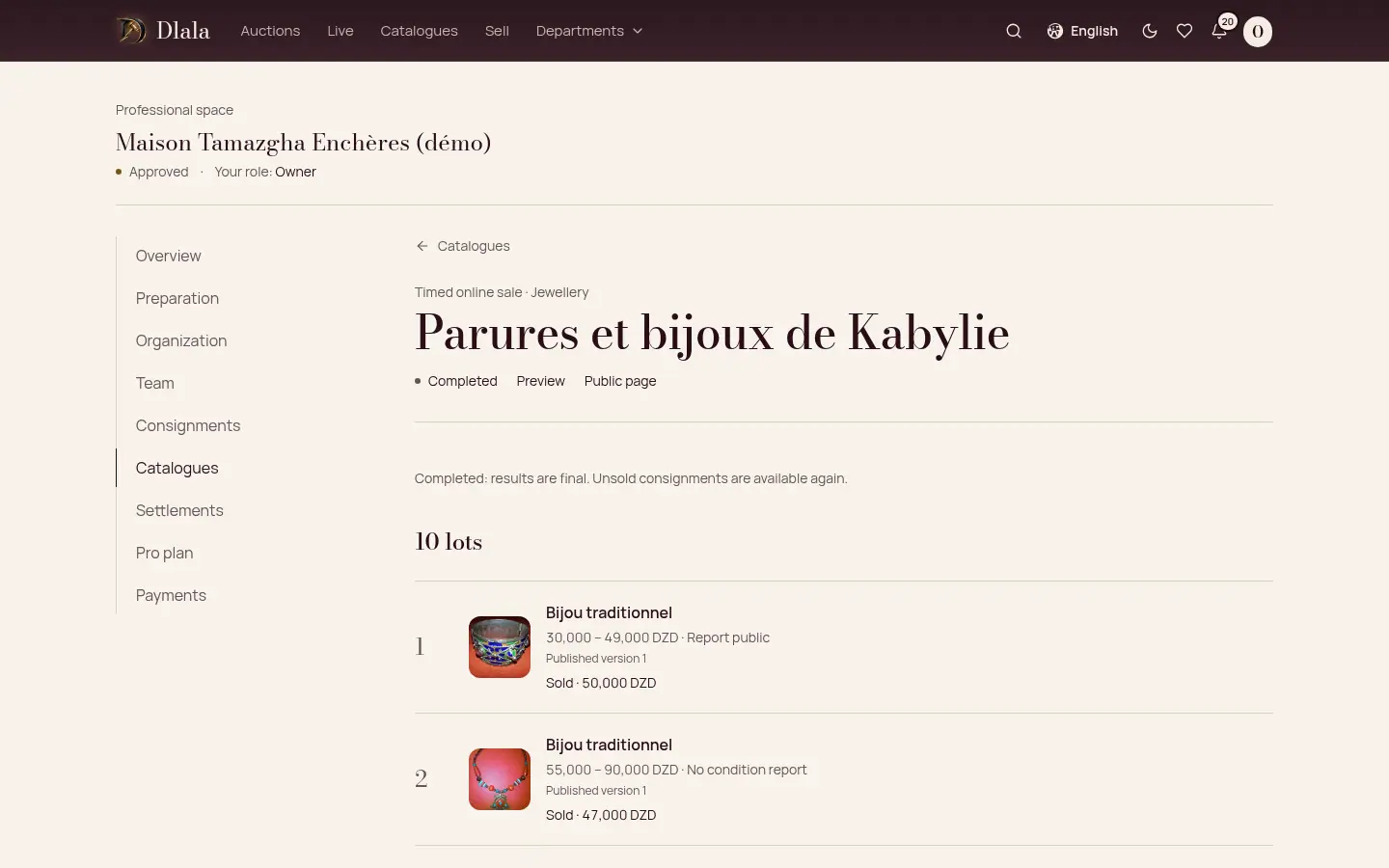
Create the sale and add the lots: from an accepted consignment or your own, with their photos and condition report. A condition report is approved by someone other than its author.
Step 6: Check, then publish
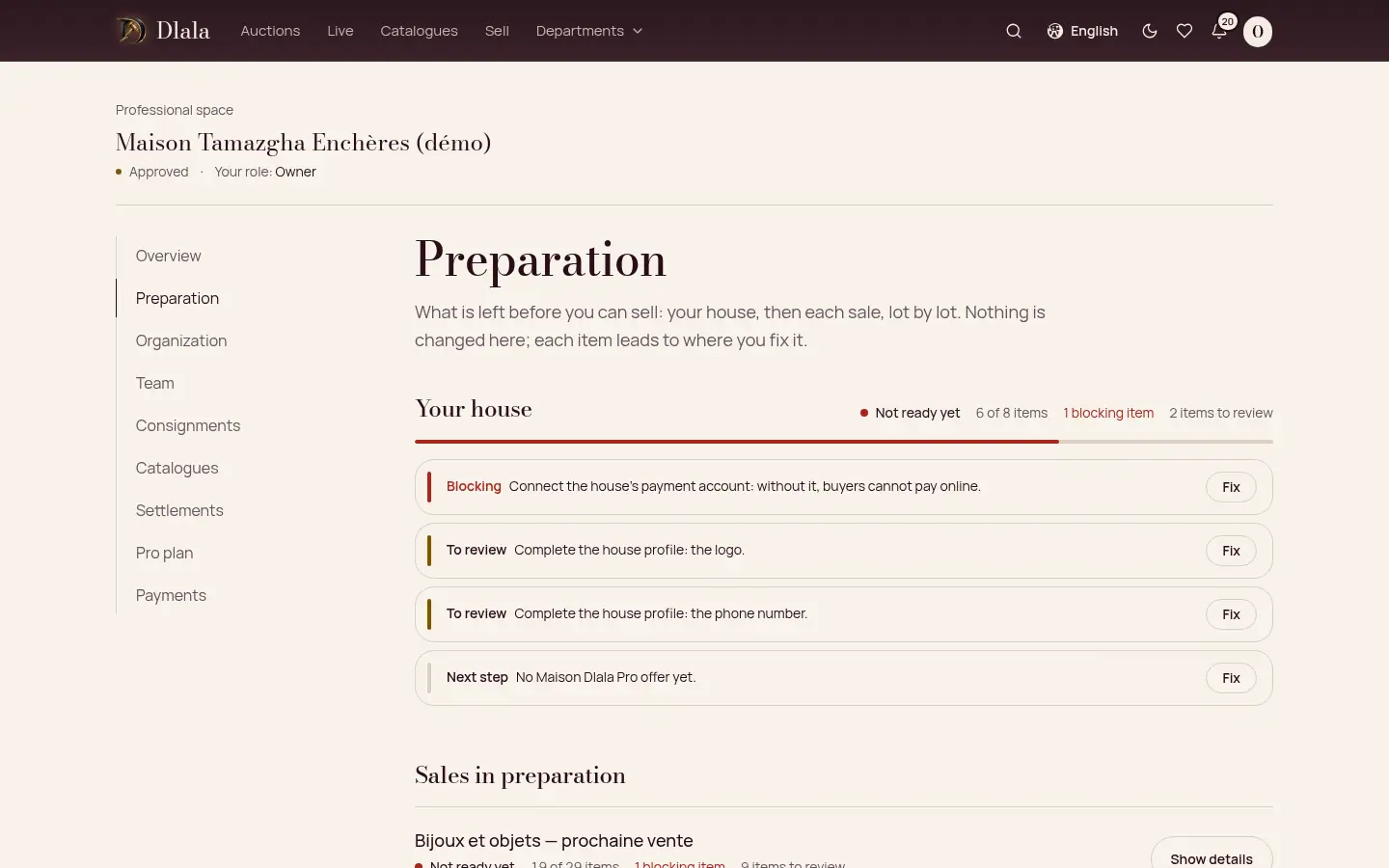
The checklist points out what is missing before opening, for the house and for each sale. A manager reviews the catalogue before it is published.
Step 7: Run a live sale
Start the video from the computer; a phone can be a second camera by scanning a code. Bids arrive live, and each bid leaves the others at least 30 seconds.
Step 8: Get paid on your own account
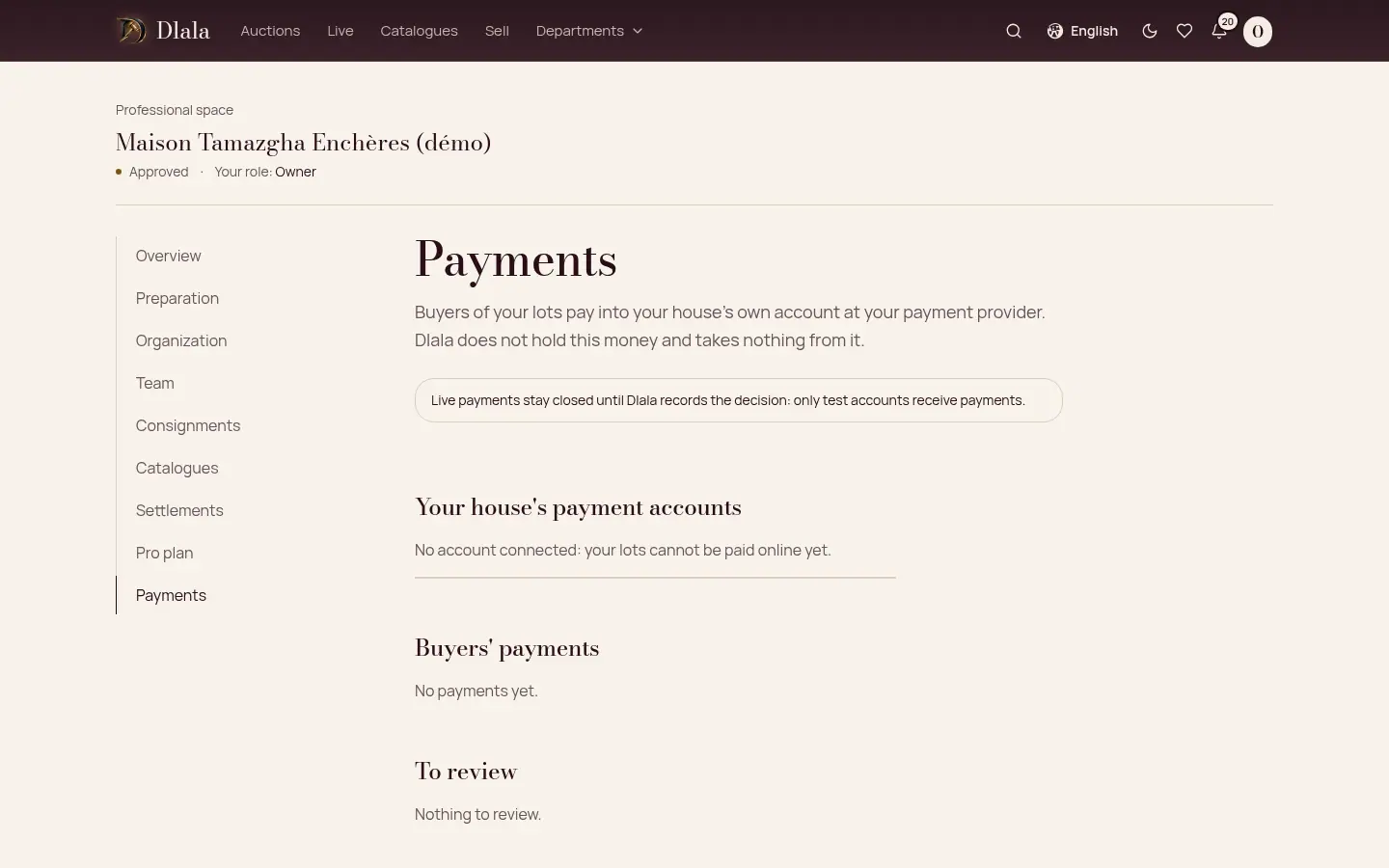
Connect your house's payment account (Chargily or Slick-Pay). The buyer pays you directly: Dlala does not hold this money. The secret key is never shown again.
Good to know: Real payments for houses' sales are not open yet.
Step 9: Settle with consignors
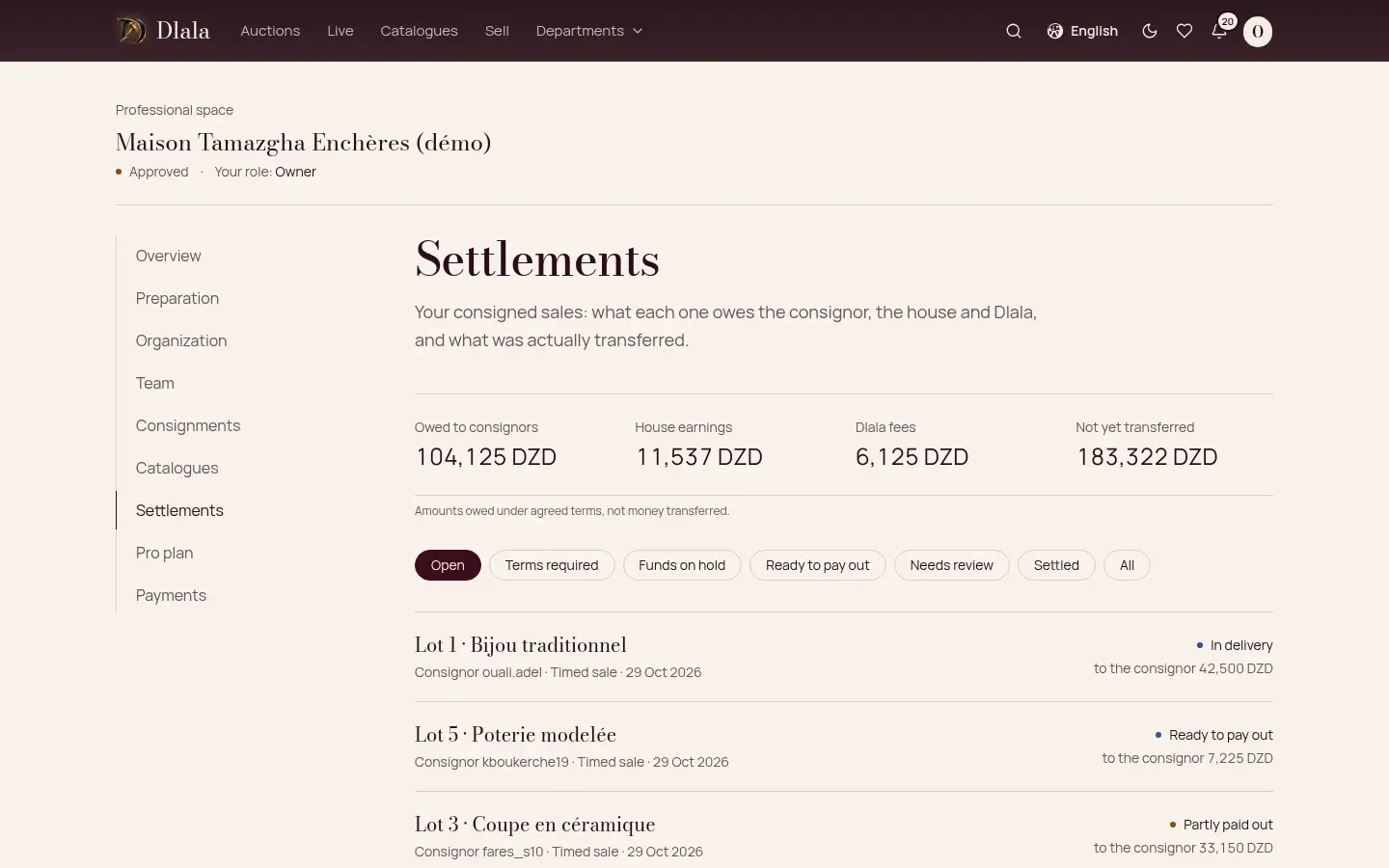
After a sale, the settlements page shows what each consignor is owed and what has been paid to them.
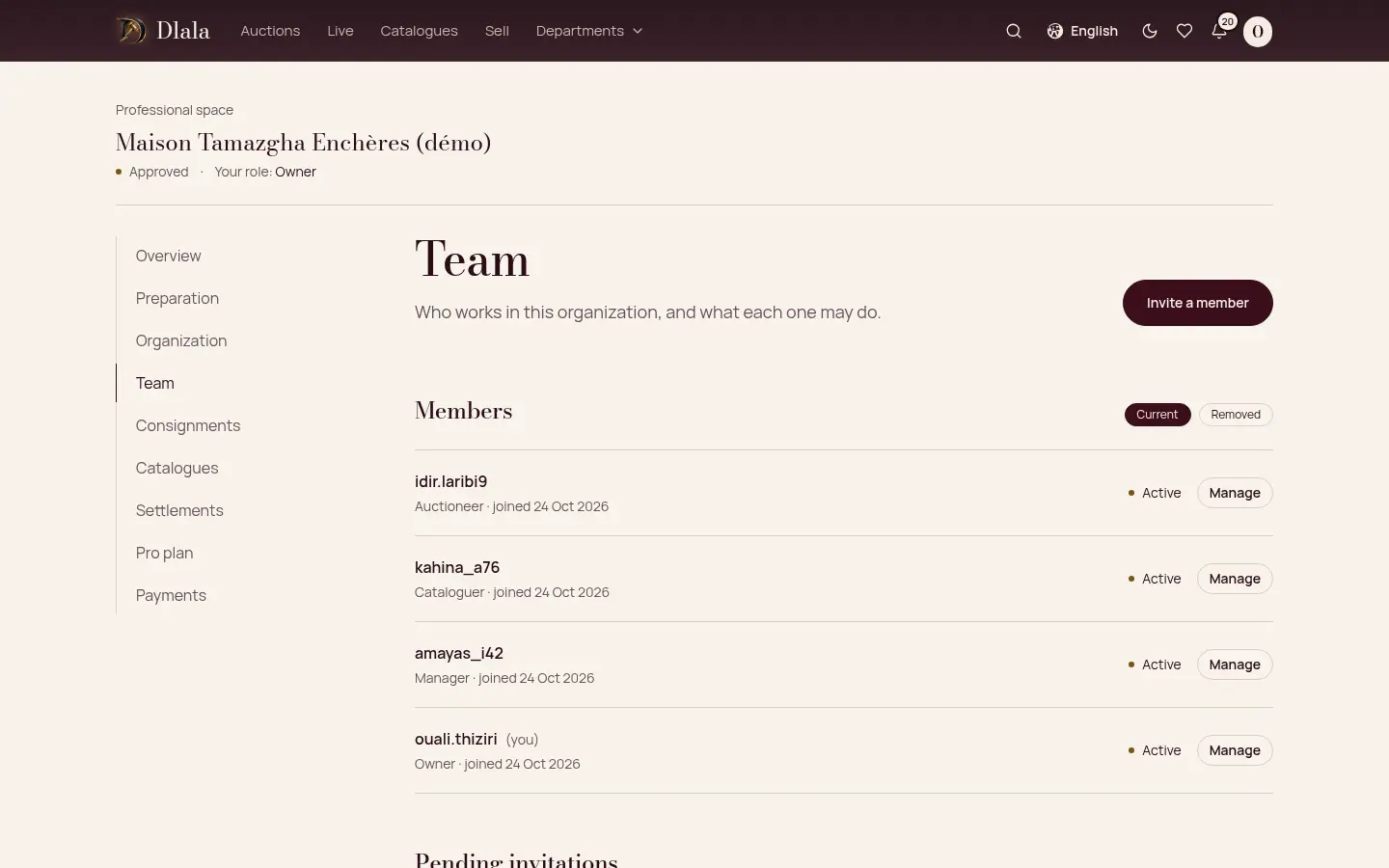
Step 10: The Maison Dlala Pro offer
Dlala may offer its Pro plan to your house. Its terms appear in your space, and nothing starts without the owner's agreement.