Members
Discover and bid
On Dlala, auction houses and members put objects up for auction. You bid online: during a set time, or live.
You need
- A Dlala account, free.
- Your email address confirmed. Without it you can look, but not bid.
Step 1: Browse the sales
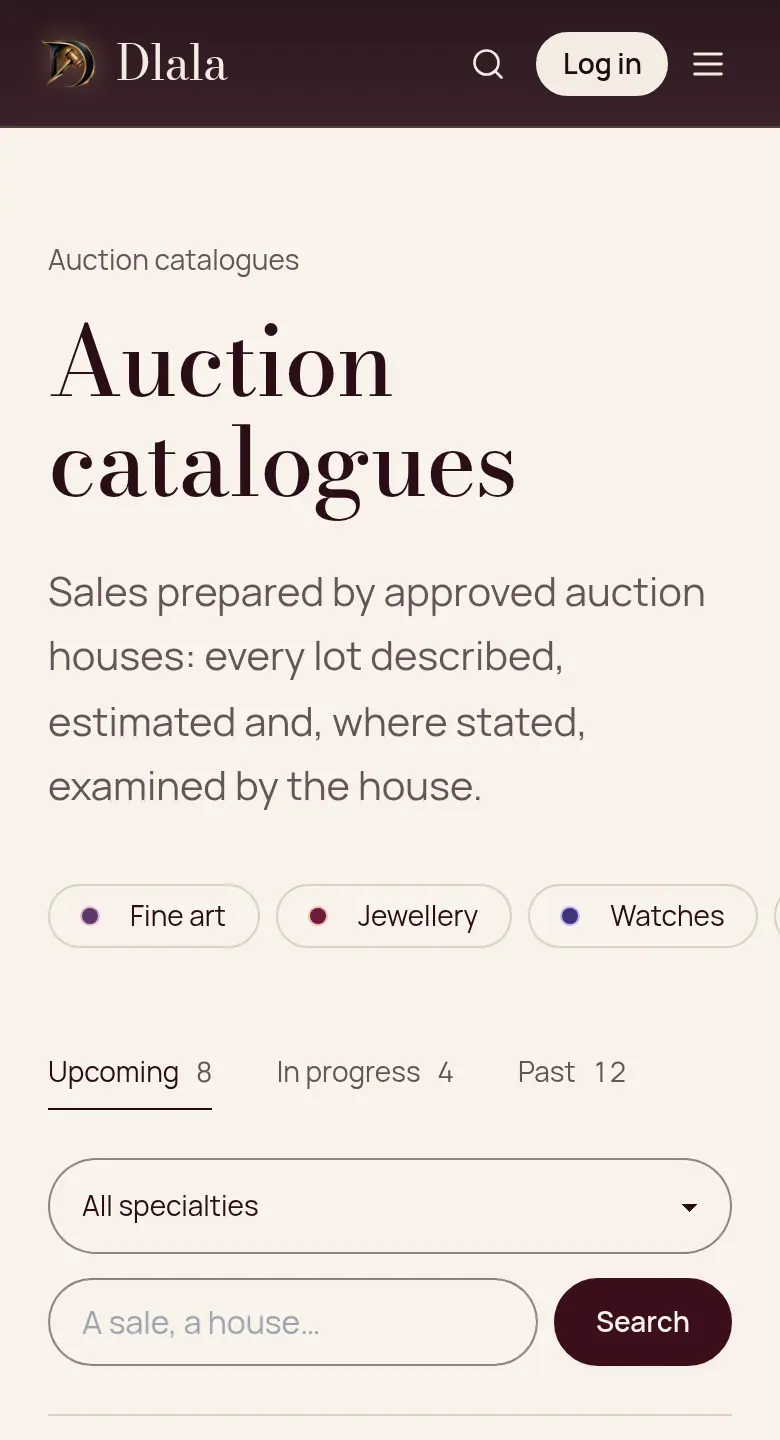
A catalogue gathers an auction house's lots. You can also search by word, or by department: jewellery, watches, books, furniture…
Step 2: Open a lot
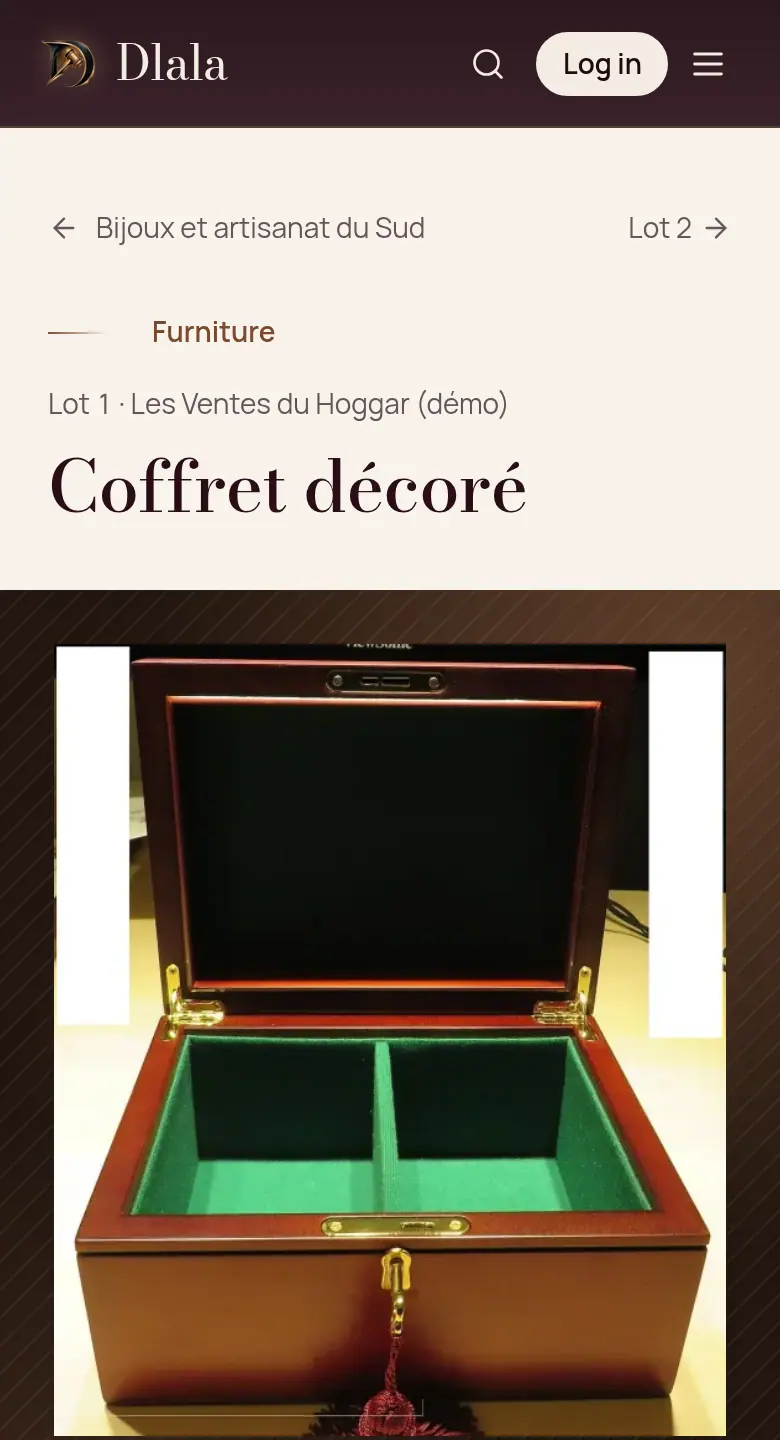
A lot page shows the photos, the description, the estimate, the starting price and the closing time. The condition report, when there is one, says what the house checked.
Good to know: The reserve, if there is one, is never shown.
Step 3: Create your account
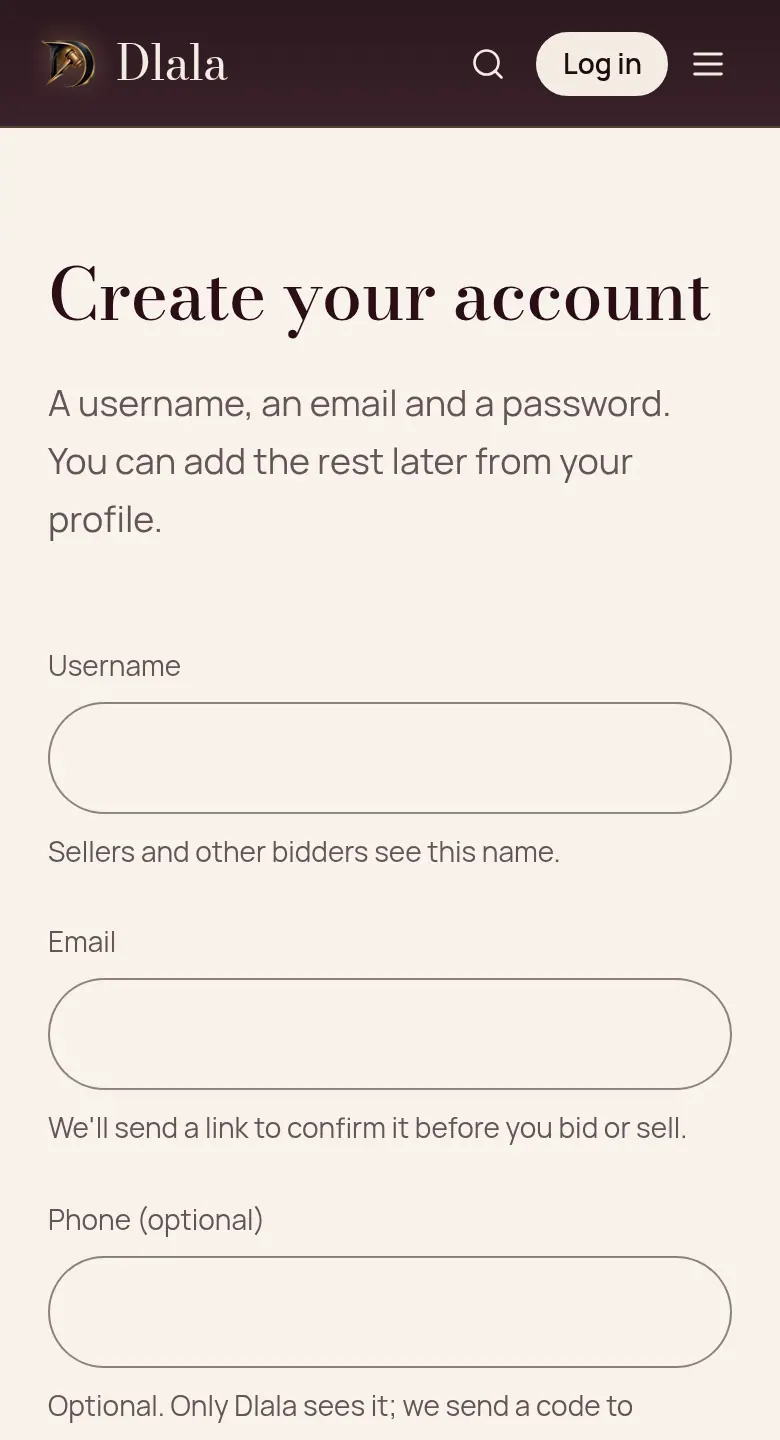
A username, your email and a password; the phone is optional. Then open the confirmation email: the link works for 24 hours.
Good to know: Other members only see your username.
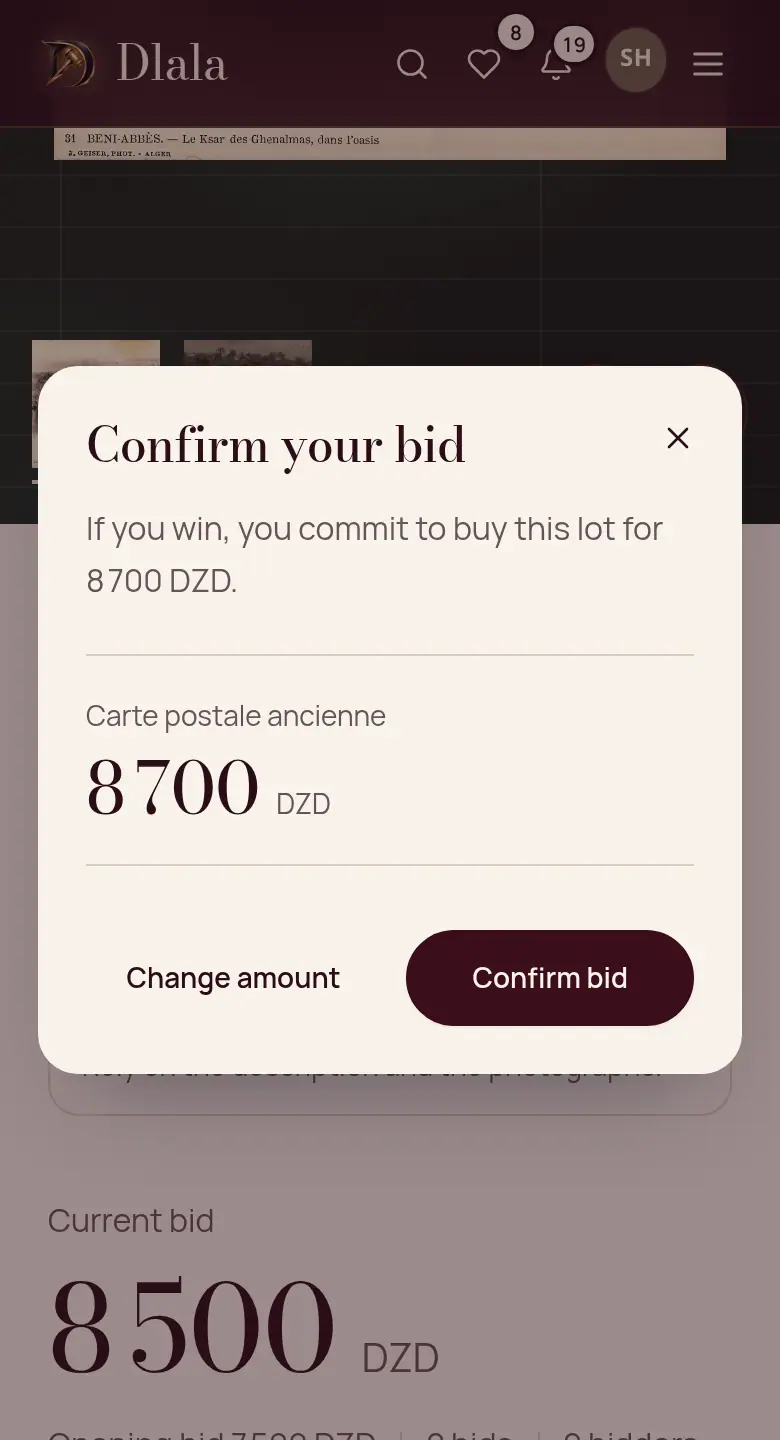
Step 4: Bid
Choose an amount at least equal to the minimum bid shown, then confirm. If someone bids above you, you are told.
Good to know: A timed sale ends at the announced time. In a live sale, each bid leaves the others at least 30 seconds.
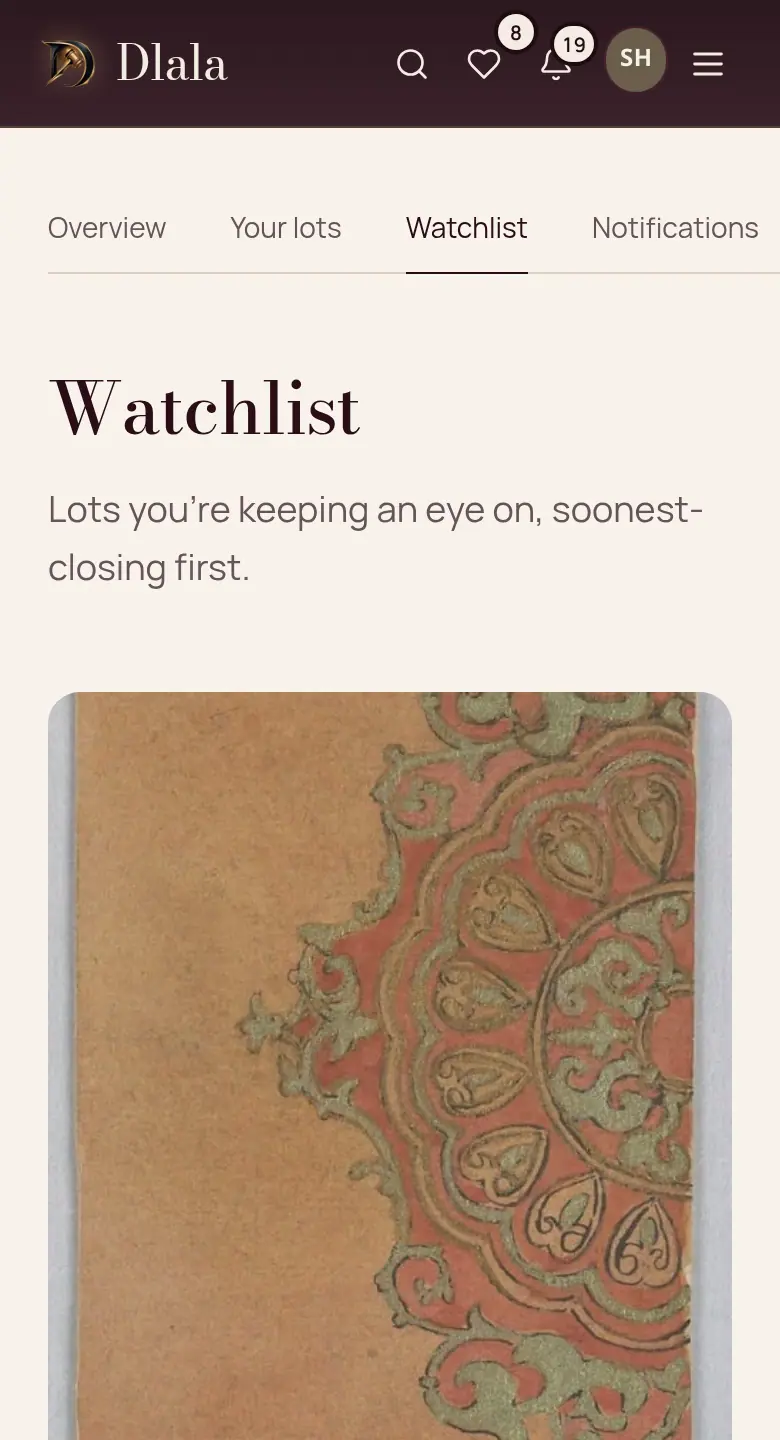
Step 5: Follow your lots
Add a lot to your watchlist or follow a catalogue: everything is in your Watchlist and your notifications.
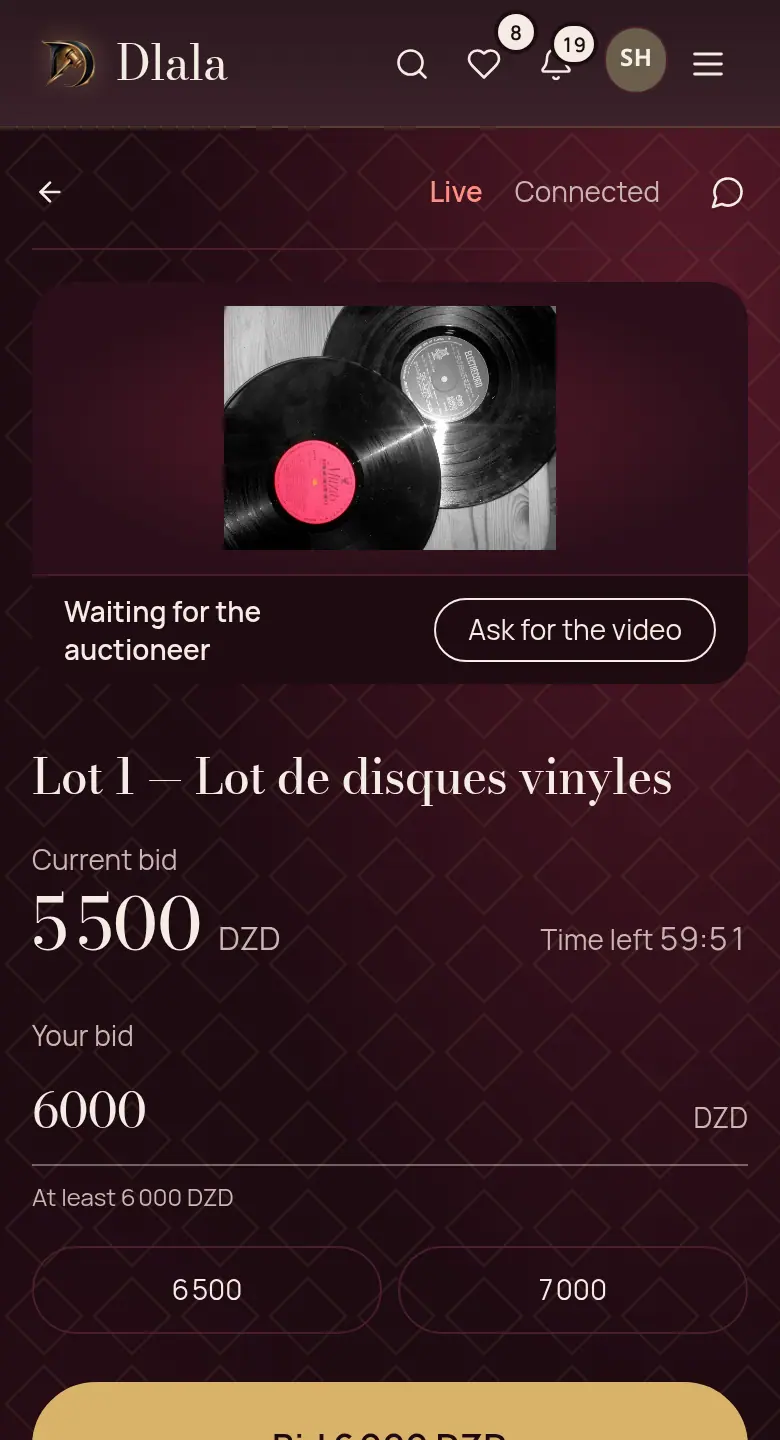
Step 6: Join a live sale
The room shows the object on video, the current price and the bids as they come. You bid with one tap, at the pace of the sale.
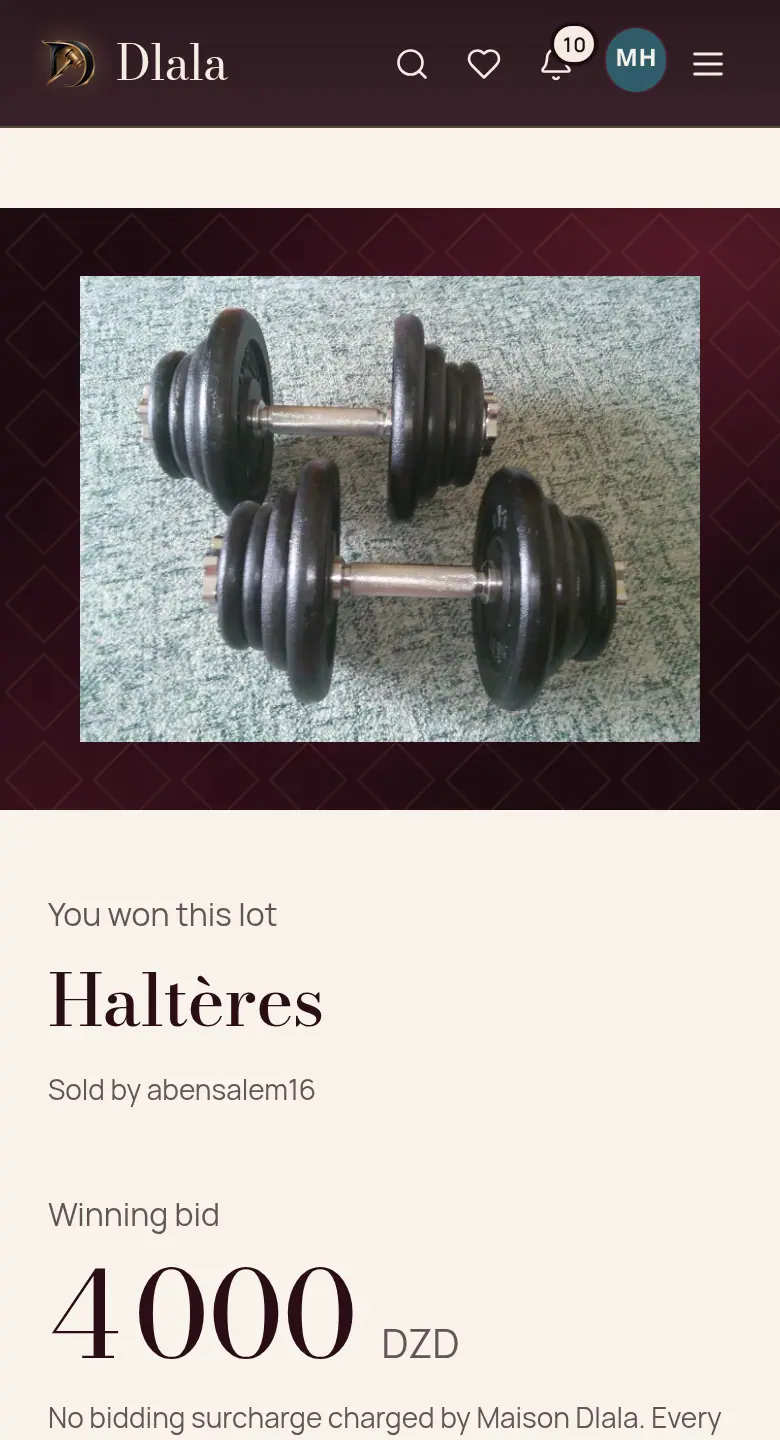
Step 7: You won: pay within 48 hours
You get an email. The payment page shows the ways open for this sale. Without payment within 48 hours, the lot goes to the next bidder.
Good to know: Today, a sale between members is paid on delivery, in cash, to the seller.
Step 8: Receive the object
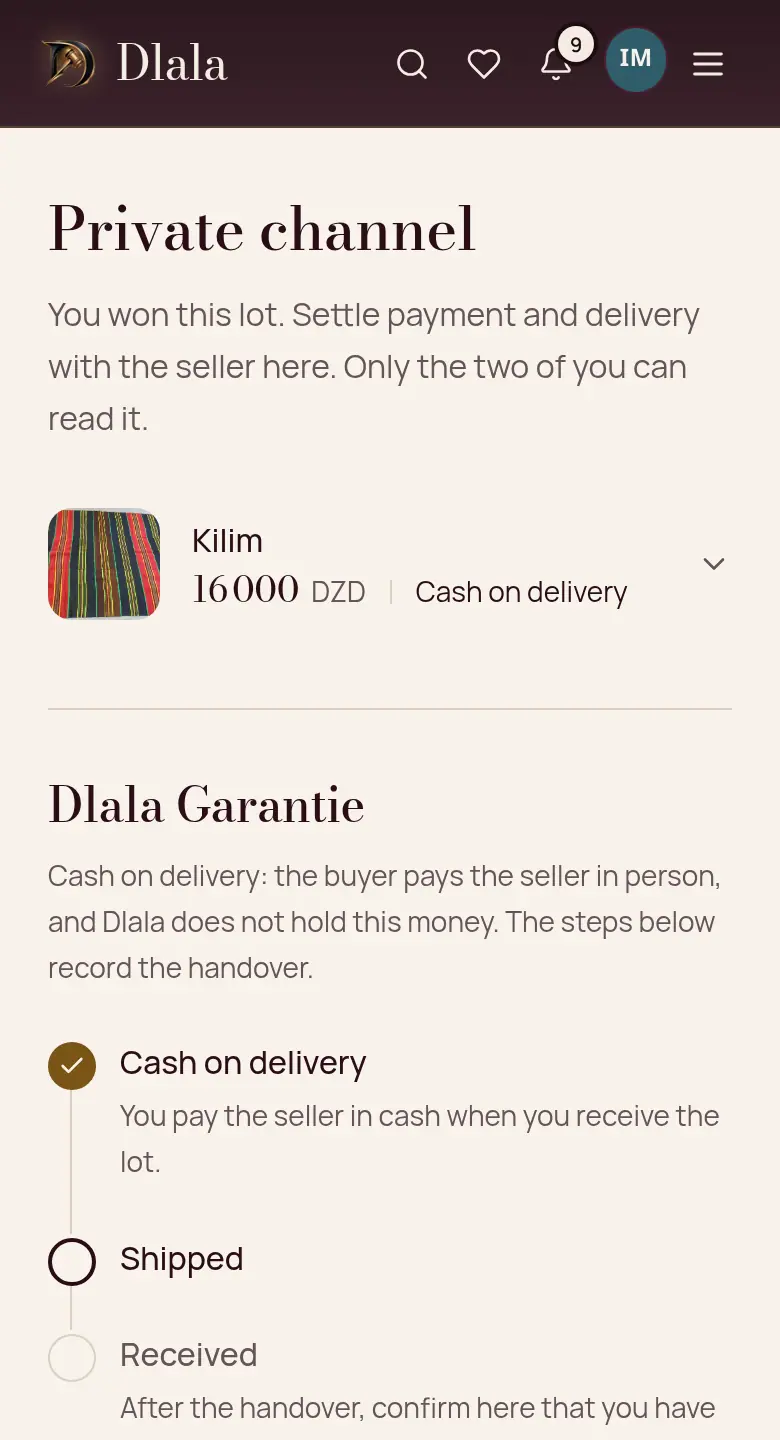
The order page brings together the conversation with the seller, the delivery and your confirmations. The seller does not see your phone: the conversation blocks numbers and addresses.